Loading...
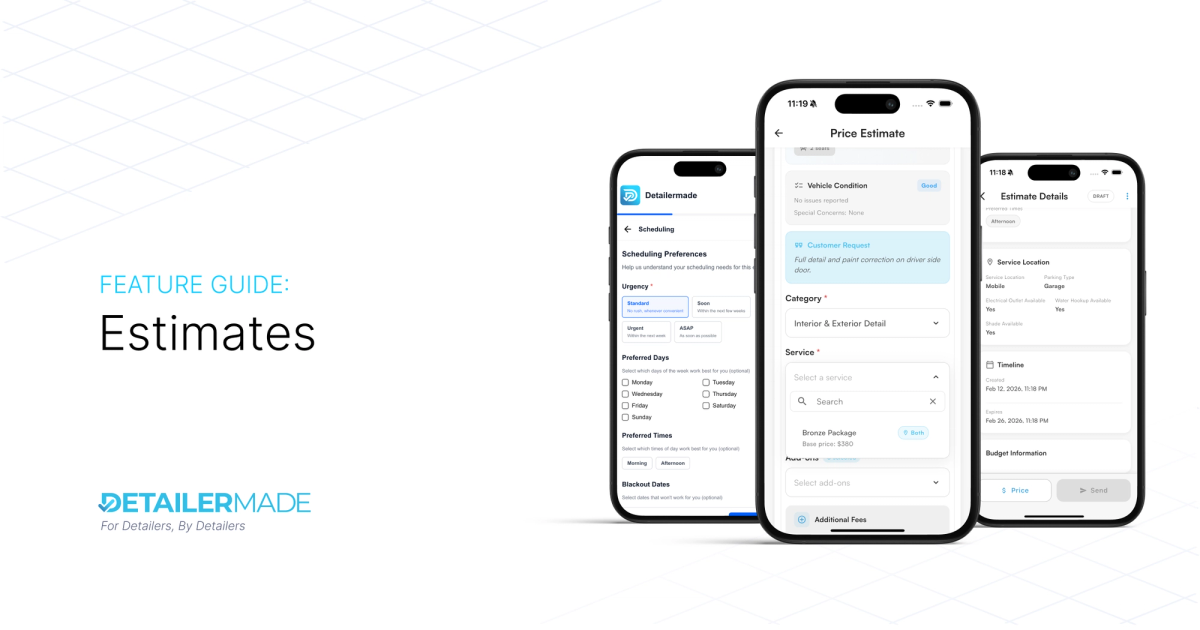
Estimates
JD
Caleb B.
Co-Founder & Lead Developer
Estimates Overview
Estimates allow businesses to provide clients with custom pricing before committing to a job. In the auto detailing world, every vehicle is different — some are pristine, others are covered in pet hair and stains. A client might only need one specific service rather than a full detail. Estimates give you a flexible way to assess, price, and confirm work before it hits your schedule.
This feature is designed to work seamlessly with the existing job system. Pricing an estimate feels almost identical to creating a job, so there's no new workflow to learn.
Note: This is the first version of Estimates. We plan to extend and improve the functionality over time, including adding insights around estimate conversion rates and other performance metrics.
How It works

- DRAFT: Client requests estimate OR business creates estimate
- PRICED: Business views a draft estimate and prices it
- For each vehicle, select a service and optionally addons
- SENT: Business Sends the estimate to the client for them to accept/decline
- CONVERTED: When the client accepts SENT estimate and select a date/time → gets converted to a job
- DECLINED: When the client declines the SENT estimate on the booking page
- EXPIRED: When the client fails to make a decision on the SENT estimate before the expiration date

Requesting an Estimate (Client Side)
When a client requests an estimate, they provide key details that help the business understand the scope of work:
- Vehicle Condition — Details about the vehicle's current state, including photos and specific issues like pet hair or stains.
- Urgency — How urgent the service is and the desired completion date.
- Scheduling Preferences — Preferred days, times, and flexibility for the appointment.
- Budget Info — The client's budget range and price priority.
- Location Details — Information about the service location, parking, and available amenities.
The availability of these fields depends on your subscription tier (see below).
Pricing an Estimate (Business Side)

When you open a draft estimate, you'll price it the same way you would create a job:
- Open the estimate in Draft status.
- For each vehicle on the estimate, select a service and optionally add add-ons.
- Review the total pricing.
- Once satisfied, move the estimate to Priced status, then Send it to the client.
The client receives the estimate and can accept, decline, or let it expire. If they accept, they choose a date and time, and the estimate converts directly into a scheduled job.
Client Accepting an Estimate

Roles & Permissions
| Action | Owner | Admin | Employee |
| View All Estimates | ✅ | ✅ | ❌ |
| View Draft estimate details | ✅ | ✅ | ✅ |
| Create Estimates | ✅ | ✅ | ✅ |
| Price Estimates | ✅ | ✅ | ❌ |
| Send Estimates | ✅ | ✅ | ❌ |
Employees can create estimates and view the details of estimates that are still in Draft (unpriced) status. Pricing and sending require an Owner or Admin role.
Subscription Tiers
- DetailerEssential — Estimates are created and sent by the business only. Clients cannot request estimates through the booking site. A minimal set of extra data fields is available.
- DetailerChoice — Clients can request estimates directly from the booking site. A minimal set of extra data fields is available.
- DetailerExclusive — Clients can request estimates from the booking site with access to all available data fields, giving the business the most complete picture before pricing.
| Capability | DetailerEssential | DetailerChoice | DetailerExclusive |
| Business can create estimates | ✅ | ✅ | ✅ |
| Business can send estimates | ✅ | ✅ | ✅ |
| Clients can request estimates on booking site | ❌ | ✅ | ✅ |
| Extra data fields on estimate requests | Minimal | More | All |
What's Next
This is version one. Here's what's on the roadmap:
- Estimate Insights — Conversion rates, average estimate value, response times, and other key metrics.
- Extended Functionality — Continued improvements to the estimate workflow based on user feedback.
We'll keep building on this foundation to make estimates an even more powerful part of your business workflow.